clean year‑end records
Clean Year-End Records with LibroKeeper
How to maintain clean year-end records for small businesses, freelancers, and contractors using LibroKeeper.
By LibroKeeper Editorial Team · Published Jun 12, 2026 · Updated Jun 12, 2026
Practical guidance from the team building LibroKeeper for business owners and bookkeeping professionals.
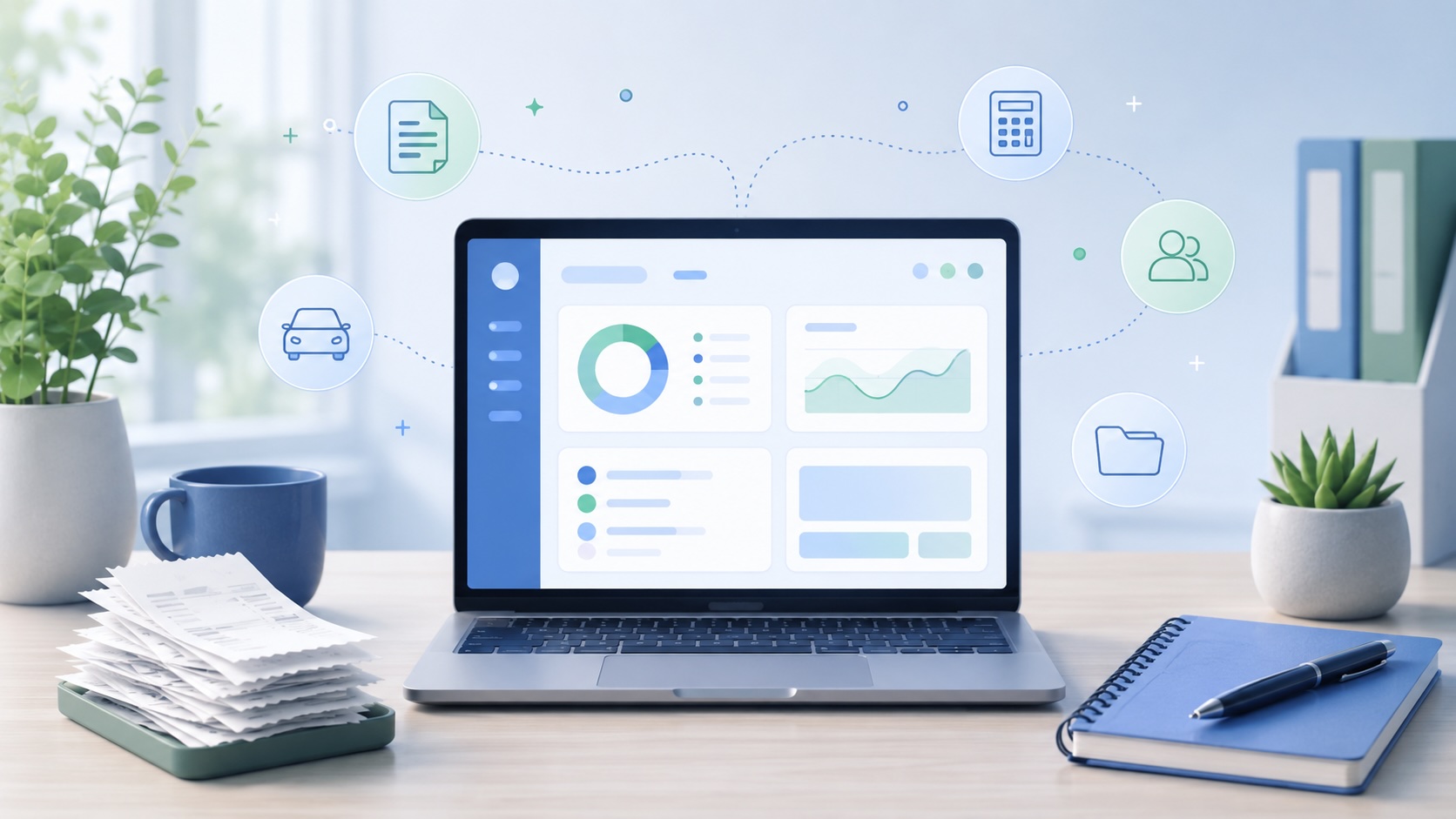
A clear set of year-end records helps you finish the year with confidence. For small businesses, freelancers, and contractors, “clean year-end records” means well-organized income, expenses, receipts, mileage, invoices, and contacts that tie together into readable ledgers and a neat year-end report.
LibroKeeper is a practical tool designed to streamline income and expense tracking, receipts, mileage, invoices, and contacts. This article walks through what clean year-end records look like, practical workflows, and the steps you can follow to close the year smoothly.
What counts as clean year-end records
- Clear income and expense categories
- Reconciled bank and credit card statements
- Organized receipts and digital copies
- Up-to-date mileage logs and invoices
- Accurate ledgers and trial balance
- Readable, consistent formatting and labeling
Preparation steps (start-to-finish)
1. Gather all financial documents (bank feeds, invoices, receipts). 2. Reconcile accounts in LibroKeeper. 3. Categorize transactions consistently (income, expenses, assets, liabilities). 4. Attach receipts and notes to transactions. 5. Review mileage logs and track reimbursable/taxable miles. 6. Generate a preliminary year-end report.
Practical workflows in LibroKeeper
- Setting up income and expense accounts and tax categories.
- Linking bank feeds and uploading receipts.
- Using tags and contacts to organize clients and vendors.
- Creating and sending invoices; recording payments.
- Mileage tracking workflow and reimbursement handling.
- Period-end close checklist in LibroKeeper.
Year-end checklist (useful, actionable)
- Reconcile all accounts to the last statement.
- Ensure all income and expenses are coded correctly.
- Verify outstanding invoices and bills.
- Confirm mileage logs are complete.
- Back up data and export a closing file for records.
- Prepare a simple year-end report for you and your CPA/tax preparer.
Common pitfalls and how to avoid them
- Missing receipts and inaccurate categories.
- Inconsistent labeling or duplicate entries.
- Not backing up data regularly.
- Relying on memory instead of documented notes.
Practical examples
- Example 1: Freelance graphic designer closing a year with LibroKeeper steps.
- Example 2: Small retail shop reconciling bank statements and inventory-related expenses.
Tips for maintaining clean records year-round
- Monthly or quarterly close habits.
- Simple naming conventions.
- Regular backups and security basics.
- Quick checks to run before tax season.
When tax topics arise (disclaimer)
- General tax guidance only; consult with a qualified professional for tax advice.
- Clean records simplify tax preparation and reporting.
LibroKeeper-focused takeaways
- How LibroKeeper supports clean year-end records with practical features.
- Short walkthrough: setting up, recording, reconciling, exporting a year-end pack.
Call to action
Ready to try a practical year-end workflow in LibroKeeper? Start with our self-managed setup and explore how it fits your business needs: [Start Self-Managed](/self-managed/signup) and learn more on the [LibroKeeper homepage](/).
If you have questions, our friendly support resources are here to help.
> Note: This article provides general guidance. For tax planning and filing, consult a tax professional.