mileage tracking for taxes
Mileage Tracking for Taxes: A Simple Guide with LibroKeeper
Keep your deductible mileage organized and ready for taxes with plain-language tips, practical workflows, and LibroKeeper’s mileage tracking features.
By LibroKeeper Editorial Team · Published Jul 27, 2026 · Updated Jul 27, 2026
Practical guidance from the team building LibroKeeper for business owners and bookkeeping professionals.
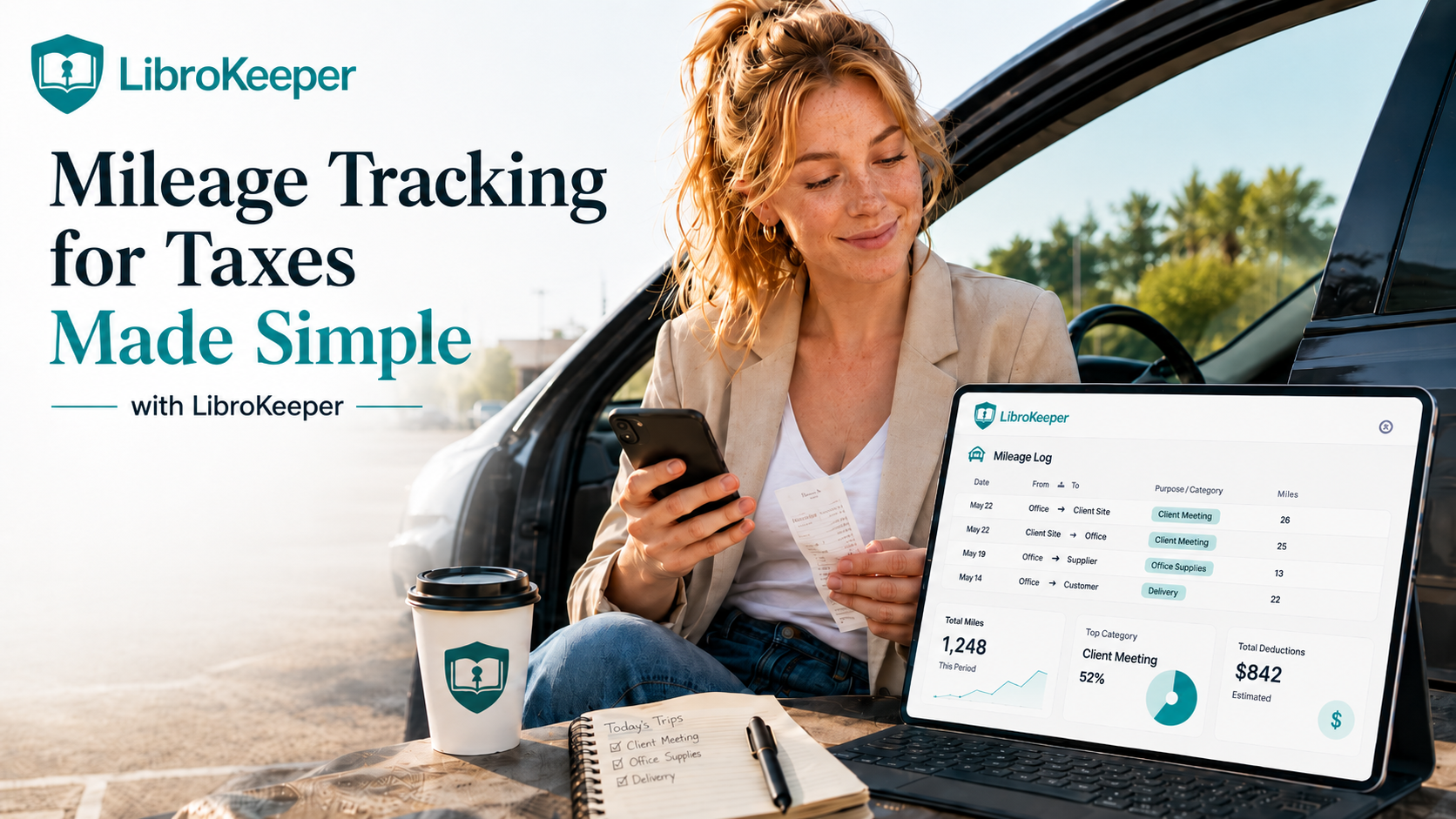
# Mileage Tracking for Taxes Made Simple with LibroKeeper
If you drive for business, keeping a clear record of your mileage helps you maximize deductions and stay prepared for audits. This guide explains mileage tracking for taxes in plain language and shows how LibroKeeper can help you stay organized.
The why and the basics
- Deductible mileage means you can claim the miles you drive for business purposes. Keeping a simple log helps you prove the deduction if questioned.
- Common deductible scenarios include client meetings, deliveries, and trips to job sites or suppliers.
- What to record: dates, odometer readings (start and end), destinations, and the business purpose of each trip.
How LibroKeeper helps with mileage tracking for taxes
- LibroKeeper features relevant to mileage: log entries with dates and miles, receipts attachment, categories and tags for trips, and easy-to-read reports.
- Your mileage data fits into your bookkeeping workflow by pairing with expenses, incomes, and invoices, streamlining end-of-year reporting.
Getting started: setup and best practices
1) Step-by-step setup
- Create mileage categories (e.g., Client Meetings, Deliveries, Site Visits).
- Enable daily or trip logs and set your preferred units (miles or kilometers).
- Use import/export options to share data with your tax prep workflow if needed.
2) Tips for accurate tracking
- Start and end odometer readings for each trip when possible.
- Log trips consistently (same fields every time: date, odometer, destination, purpose, miles).
- Align practices with IRS guidelines and your local tax rules.
3) Capture mileage on the go
- Use the mobile app to log trips, attach receipts, or jot quick notes about the trip purpose.
- Add receipts for parking, tolls, or fuel that relate to business use as part of the same workflow.
Practical workflows and examples
- Example 1: Freelancer drives to client sites for multiple meetings in a day. Each meeting is logged with date, purpose, and miles; summary reports show total business miles for that period.
- Example 2: Small business owner makes trips to suppliers and a bank for business needs. All trips are categorized (Suppliers, Banking), and receipts are attached where relevant.
- Example 3: Mixed-use vehicle and mixed income streams require mile allocation between personal and business. Allocate miles in LibroKeeper and review before tax time.
Common pitfalls and how to avoid them
- Missing trips or gaps in mileage entries. Regularly log trips instead of batching at the end of the month.
- Mixing personal and business miles. Use separate categories and review totals to ensure only business miles are claimed.
- Not reviewing entries before tax time. Do a quick audit in LibroKeeper to confirm accuracy.
Reports and documentation for taxes
- Useful reports: mileage by date, trip log, and a summary of expense vs income for the period.
- Export data to CSV or share with a tax professional to support your tax filing.
- Note: tax topics are general guidance. Consult a tax professional for personalized advice.
FAQs (quick answers)
- How often should I log mileage? Daily or after each business trip keeps the records accurate and easy to verify.
- What counts as deductible mileage? Miles driven for business purposes, excluding personal trips.
- Can I use the standard mileage rate vs actual expenses? This depends on your situation; consult your tax advisor for guidance.
Quick-start checklist
- 5-minute setup: create mileage categories and enable trip logs.
- Daily entry habit: log trips as you go or at day end.
- Monthly review: verify miles, purposes, and any attached receipts.
Disclaimer and framing
Tax topics are general guidance. Consult a tax professional for personalized advice. LibroKeeper supports mileage tracking as part of a broader bookkeeping workflow to help you stay organized year-round.
Call to action
Try the mileage tracking feature in LibroKeeper today and generate ready-to-use records for taxes. Sign up, explore a demo, or contact support for help.
For more related bookkeeping context, see our pages on [small business bookkeeping]( /small-business-bookkeeping ) and how LibroKeeper compares to spreadsheets [LibroKeeper vs spreadsheets](/librokeeper-vs-spreadsheets).
Learn more about LibroKeeper and its features on the [LibroKeeper homepage](/).